 COME
COME Contact CS and My Tickets: choose a help route
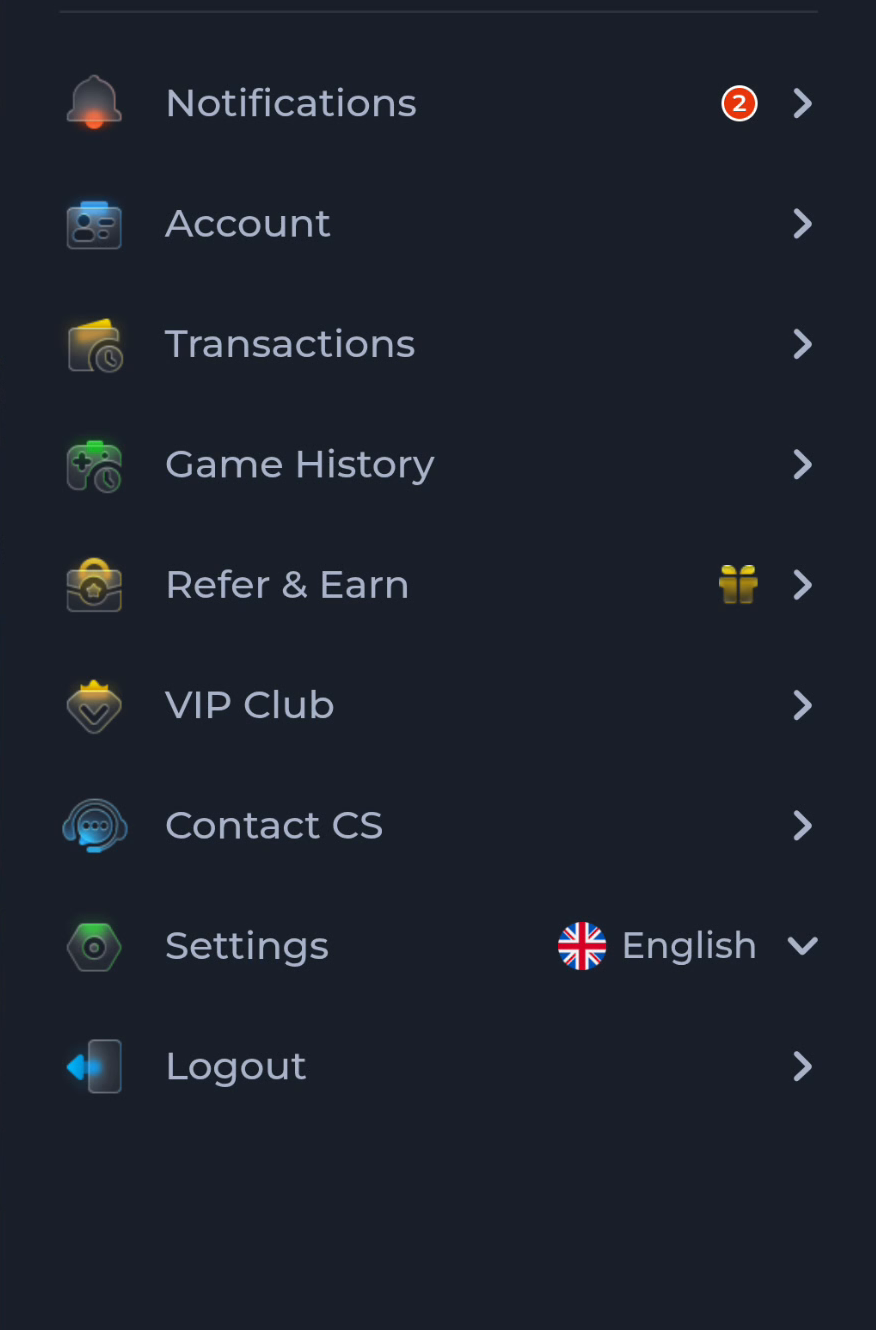
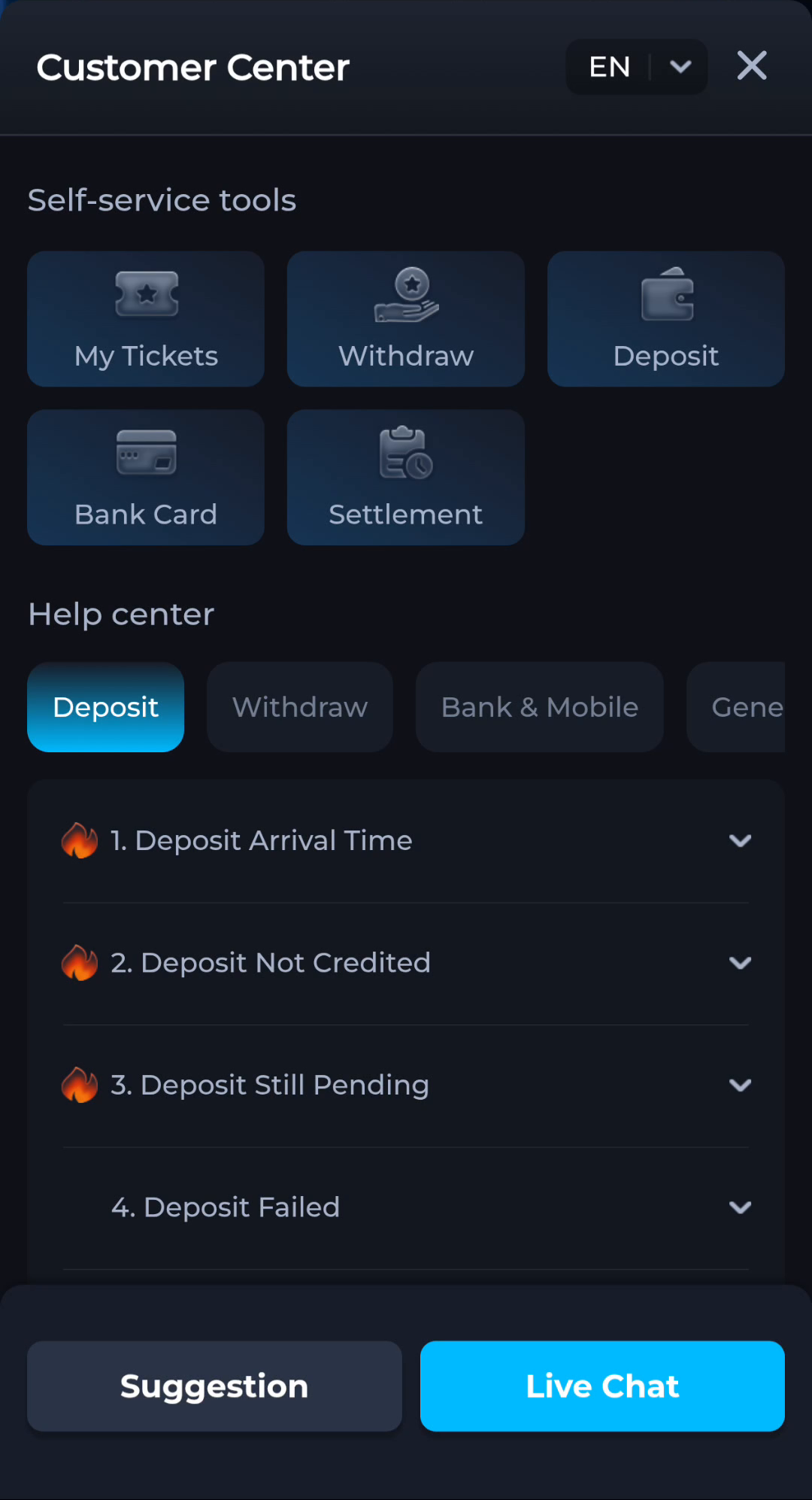
Contact CS opens a help route from the account menu, while Customer Center includes My Tickets alongside help categories. Start with the task you need resolved.
Use a topic for general reading
A category such as General can help you locate instructions for password or network questions. Reading an answer is different from sending an account-specific request. Check whether the page is explaining a topic or asking you to submit information.
Keep a request focused
If a current support route lets you create or inspect a ticket, use a concise description: device, exact message, stage and time. Check existing requests before opening duplicates about the same problem. The label alone does not promise a response time.
Protect private details
Use help from the service you are actually using. Do not send passwords, OTPs or payment PINs to an unsolicited contact. Redact sensitive details in screenshots while keeping the relevant error readable.
A useful next step
Return to the relevant help category or existing request when you have a clear description of the problem.